728x90
반응형
Sandboxie 제작사 홈페이지 : http://www.sandboxie.com
라이센스 : Freeware (일부 옵션은 등록을 하여야 사용할 수 있습니다.)
한글 지원 여부 : 지원
최신 버전 정보 : Sandboxie 3.28
라이센스 : Freeware (일부 옵션은 등록을 하여야 사용할 수 있습니다.)
한글 지원 여부 : 지원
최신 버전 정보 : Sandboxie 3.28
[Sandboxie 관련 이전글 보기]
2008/01/02 - [벌새::Utilities] - Sandboxie (1) - Sandboxie의 개념과 인터넷 사용
2008/01/09 - [벌새::Utilities] - Sandboxie (2) - Sandboxie 기본 구성 알아보기
2008/01/23 - [벌새::Utilities] - Sandboxie (3) - Sandboxie Recovery 기능 알아보기
2008/05/14 - [벌새::Utilities] - Sandboxie (4) - Sound Blaster 사운드 카드 사용자를 위한 팁(Tip)
2008/01/02 - [벌새::Utilities] - Sandboxie (1) - Sandboxie의 개념과 인터넷 사용
2008/01/09 - [벌새::Utilities] - Sandboxie (2) - Sandboxie 기본 구성 알아보기
2008/01/23 - [벌새::Utilities] - Sandboxie (3) - Sandboxie Recovery 기능 알아보기
2008/05/14 - [벌새::Utilities] - Sandboxie (4) - Sound Blaster 사운드 카드 사용자를 위한 팁(Tip)
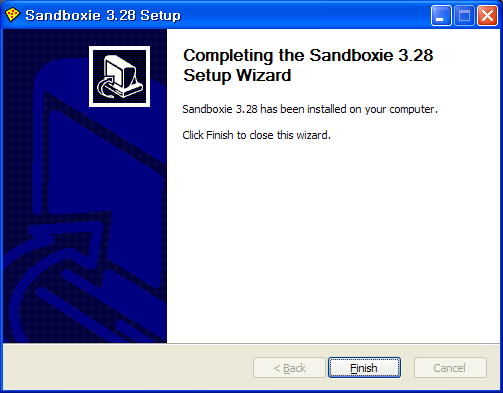
이번 시간에는 Sandboxie 프로그램의 설치 과정을 상세하게 알아보도록 하겠습니다.
설명은 이미 3.26 버전이 설치된 상태에서 3.28 버전으로 업데이트 하는 과정을 통해 살펴보도록 하겠습니다.
Sandboxie 제작사 홈페이지에서 최신 버전을 다운로드 하여 설치를 시작합니다.
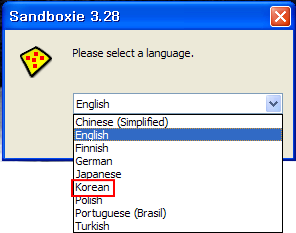
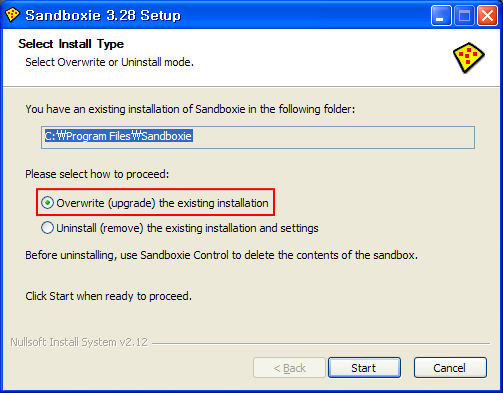
만약 현재 설치된 Sandboxie 프로그램과 그 설정을 삭제하시려면 Uninstall을 선택하시면 됩니다.
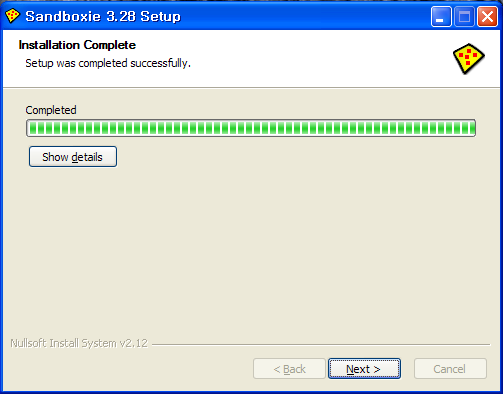
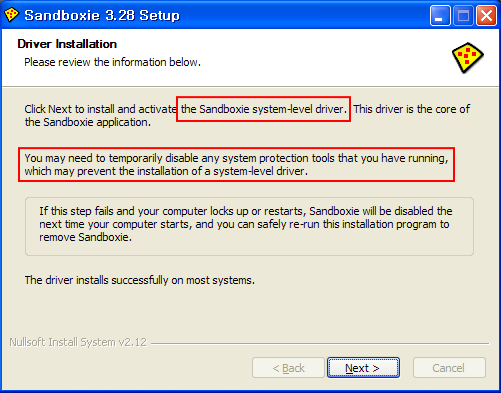
Sandboxie 제품은 윈도우 system-level driver를 활성화 합니다. 즉, 현재 자신의 컴퓨터에 설치되어 있는 시스템 보호 프로그램(보안제품 - AV)의 실시간 감시 기능을 반드시 OFF 하시고 단계를 진행하셔야 합니다.
제가 SW 개발자가 아니기에 정확하게 말씀드리기는 어렵지만, 보안제품 역시 Sandboxie 제품과 동일한 수준의 드라이버를 이용하므로 설치 과정에서 만약 보안제품을 그대로 활성화를 시켜두면 충돌이 일어날 수 있기 때문입니다.

제가 SW 개발자가 아니기에 정확하게 말씀드리기는 어렵지만, 보안제품 역시 Sandboxie 제품과 동일한 수준의 드라이버를 이용하므로 설치 과정에서 만약 보안제품을 그대로 활성화를 시켜두면 충돌이 일어날 수 있기 때문입니다.
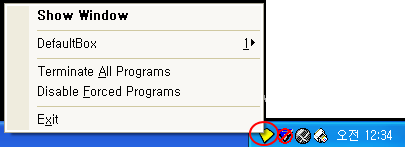
이번 버전에서의 제품 수정 사항에 대해 살펴보면서 강좌를 마치겠습니다.
728x90
반응형